

Paste the video link
Drop a YouTube URL or upload a video file. Pick the level, the question types and how many questions you want.
AI Video Quiz Generator for Teachers
Paste a YouTube link or upload a video and TeachAIFlow generates a complete quiz with multiple-choice, short answer and comprehension questions tied to the video content. Built for teachers, with difficulty and question count you can fine-tune before class.
Free plan · No card needed · Works with YouTube and 30+ languages
AI-generated outputs are drafts and should be reviewed by teachers before classroom use.
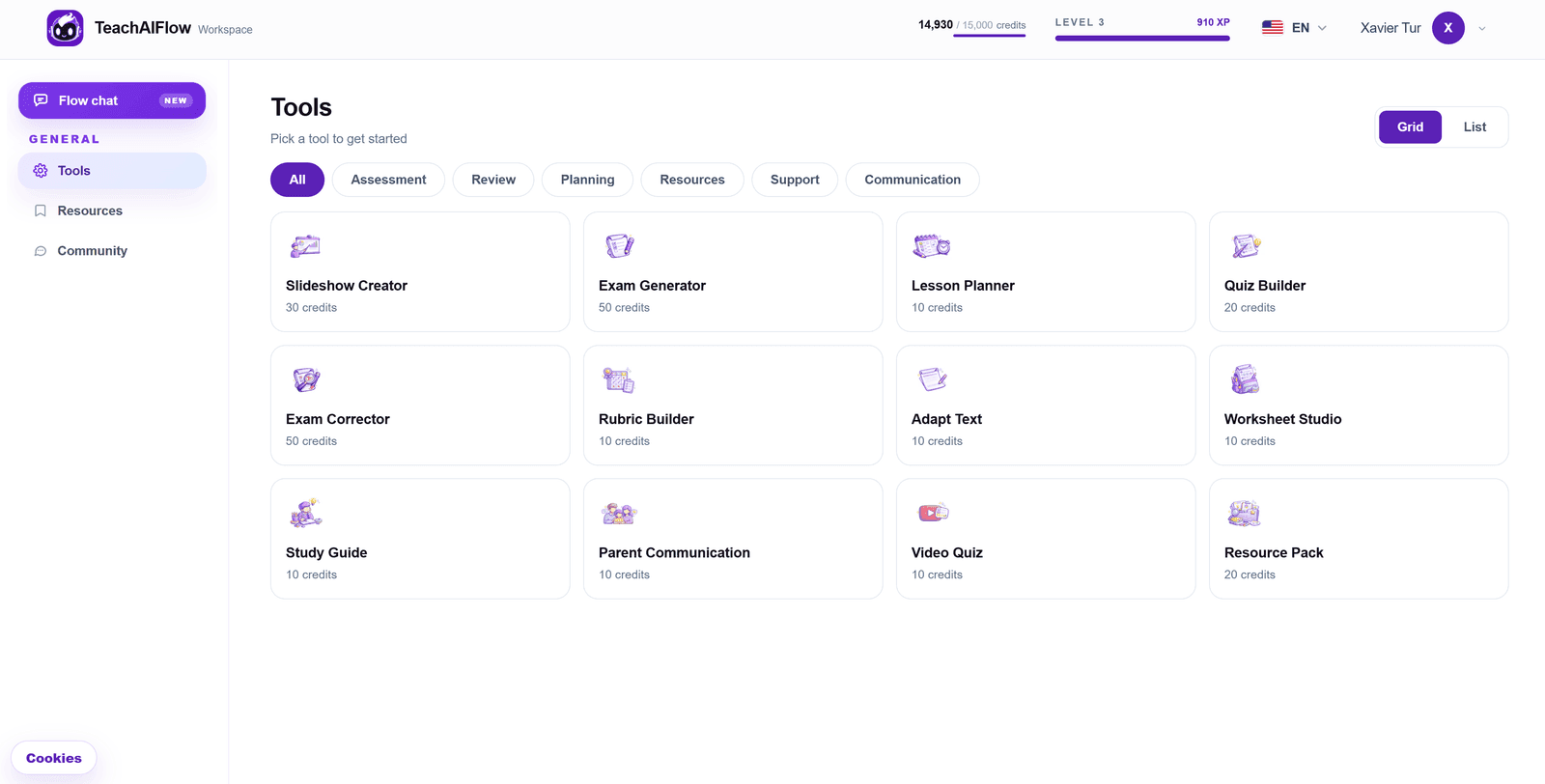
Built for the way teachers use video in class
An AI video quiz maker with the inputs that matter to teachers: video source, level, question types, difficulty, language and timing.
Paste a YouTube link or upload a video file. The AI reads the audio, extracts the key concepts and builds a quiz aligned to the content.
Multiple-choice, true/false, short answer and comprehension prompts referencing specific moments of the video.
Rewrite any question, change distractors, adjust difficulty or add your own item without touching the rest of the quiz.
Download as PDF or Word for class, share with your students, or save it in your workspace to reuse next year.
Designed for teachers
Stop watching videos twice just to write a worksheet about them. Paste a YouTube link and TeachAIFlow drafts a full quiz that checks real understanding: main ideas, supporting details, vocabulary in context and critical thinking prompts. Use it for flipped classrooms, comprehension checks after a documentary, language learning videos or any audiovisual material you bring to class. You keep editorial control, the AI handles the heavy lifting.
How it works
A simple flow that turns any educational video into a ready-to-print quiz faster than rewatching it yourself.
Drop a YouTube URL or upload a video file. Pick the level, the question types and how many questions you want.
TeachAIFlow watches the video for you, extracts the key concepts and drafts a structured quiz with answer key. Choose the output language.
Refine any question inside the editor, adjust difficulty, then download as PDF or Word, ready to print or share with your class.
Use cases
Send a YouTube video as homework with a quiz to check who actually watched and understood it.
Turn an English, Spanish or French video into a comprehension quiz to practice listening and vocabulary in context.
After a documentary or a TED-Ed clip, give a quiz that goes beyond surface recall and pushes critical thinking.
Walk into any classroom with a video + quiz ready to teach, prepared in under five minutes.
Frequently asked
Everything you might want to know about the AI video quiz generator before opening it.
Yes. The free plan includes monthly AI usage you can use across video quizzes, exams, lesson plans and the rest of the workspace. No credit card needed to start.
Yes. Paste any public YouTube URL and the AI reads the video to generate the quiz. It also works with uploaded video files in common formats.
Not a problem. TeachAIFlow transcribes the audio automatically, so the AI can generate the quiz even when the video has no captions.
Multiple-choice, true/false, short answer and open comprehension prompts. Pick the mix you want or let the AI propose a balanced quiz.
Yes. Every video quiz comes with a complete answer key, including model answers for open-ended questions.
Yes. Every quiz can be downloaded as PDF or Word (.docx), with a clean print-ready layout and a separate answer key.
Video quizzes can be generated in 30+ languages, regardless of the language of the original video. Useful for language teachers translating content for class.
Ready to try?
Free plan with monthly usage. No credit card. Works with YouTube, uploaded videos and any subject.