

Describe the assignment
Pick the assignment type and level, write a short description and choose how many criteria and performance levels you want.
AI Rubric Generator for Teachers
Describe the assignment and TeachAIFlow drafts a complete rubric with clear criteria, performance levels and weighting. The AI rubric maker built for teachers: share it with students before they start so expectations are crystal clear.
Free plan · No card needed · Works in English, Spanish and 30+ languages
AI-generated outputs are drafts and should be reviewed by teachers before classroom use.
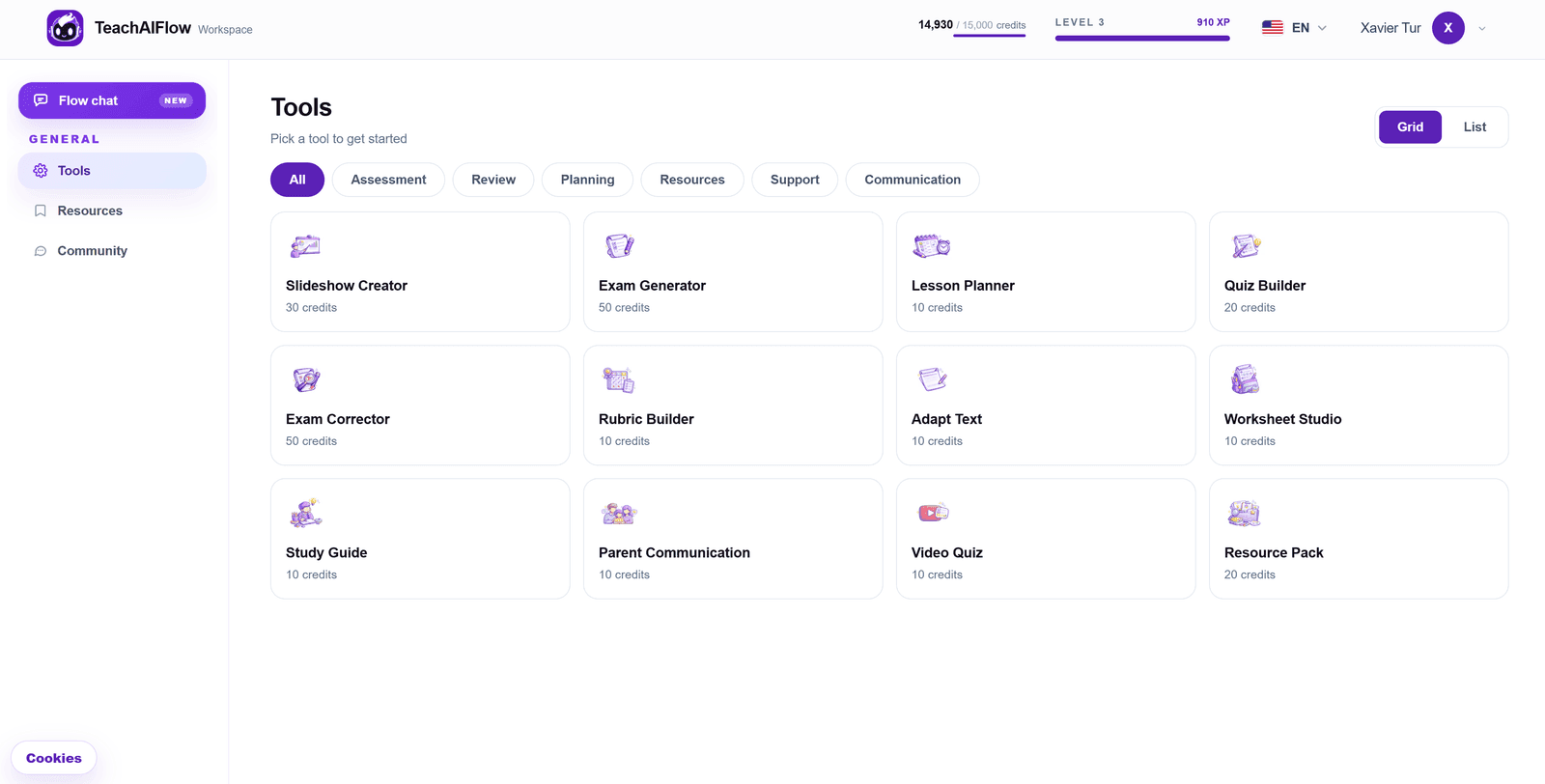
Built for the way teachers actually assess
An AI rubric generator with the inputs that matter to teachers: assignment type, level, criteria, number of performance levels and weighting.
Tell the AI what students will do: essay, project, presentation, group work, and the AI proposes the right criteria.
Each criterion comes with a clear descriptor for every performance level, so 'Excellent' and 'Needs work' mean the same thing for every student.
Rewrite a descriptor, change the weighting, add or remove a criterion or a performance level. The rubric stays consistent.
Download as PDF or Word, share with your class before they start the assignment, or save it in your workspace to reuse.
Designed for teachers
Stop writing rubric tables in Word cell by cell. Describe the assignment and TeachAIFlow drafts a complete grading rubric with 3-5 criteria, 3-5 performance levels and a short descriptor for every cell. The result is consistent across students, transparent for families and ready to share before the work even starts. You keep editorial control, the AI handles the heavy lifting.
How it works
A simple flow that gives you a ready-to-share rubric faster than building a table in Word.
Pick the assignment type and level, write a short description and choose how many criteria and performance levels you want.
TeachAIFlow proposes criteria with clear descriptors per level and a sensible weighting. Choose the output language.
Refine any descriptor or weighting in the editor, then download as PDF or Word to share with your class.
Use cases
Grade long-form writing fairly with criteria for content, organization, language and mechanics.
Assess long-term projects with rubrics that capture process, product and reflection.
Score student presentations on clarity, content, delivery and visual support consistently.
Evaluate group projects with shared criteria plus individual contribution levels.
Frequently asked
Everything you might want to know about the AI rubric generator before opening it.
Yes. The free plan includes monthly AI usage you can use across rubrics, exams, lesson plans and the rest of the workspace. No credit card needed to start.
Holistic and analytic rubrics for essays, projects, presentations, group work, lab reports, portfolios and more. You describe the assignment and the AI proposes the right criteria.
Yes. Add, remove or rename any criterion, choose between 3-5 performance levels and set the weighting per criterion to match your assessment plan.
Yes. The AI writes each descriptor so students can understand what 'Excellent' or 'Needs work' looks like before they submit, not just after they get graded.
Yes. Every rubric can be downloaded as PDF or Word (.docx), with a clean print-ready layout to share with your class.
Rubrics can be generated in 30+ languages, including English, Spanish, French, German, Italian, Portuguese, Catalan, Galician, Basque and more.
Yes. Every cell, criterion, performance level and weight is fully editable. You can also regenerate individual descriptors if needed.
Ready to try?
Free plan with monthly usage. No credit card. Works in any subject and any language.